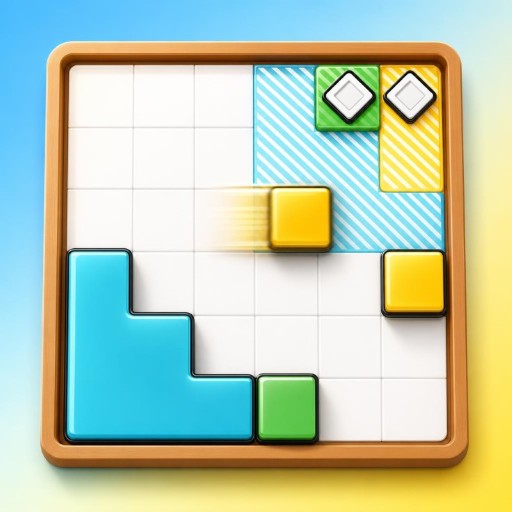
Block Slide Puzzle Game
Block Slide is a minimalist sliding block puzzle with 130 levels. Slide all blocks until they reach their matching targets while navigating increasingly varied logic mechanics.
About Block Slide
Block Slide is a 2D puzzle game focused on sliding blocks into matching targets. Each move slides every block in the selected direction until it reaches a wall or another block. The game includes 130 levels that introduce mechanics gradually. These include teleporters, arrow tiles, sticky blocks, pins, pressure traps, rotators, and conveyors. Some levels use multiple boards that must be solved in parallel. The gradual introduction of mechanics provides a range of logic-based sliding challenges. Block Slide is designed for desktop play in landscape orientation. Use swipe controls or a keyboard to slide blocks, restart levels, return to level selection, or move to the next level.
Gameplay
Slide all blocks in one direction at a time. Blocks continue moving until they hit a wall or another block, so each move affects the board. Solve each puzzle by placing every block on its matching target, with later levels adding mechanics such as teleporters, arrow tiles, sticky blocks, pins, pressure traps, rotators, conveyors, and multi-board layouts.
How to play
1. Choose a level. 2. Swipe in a direction or press an Arrow Key or WASD key to slide all blocks that way. 3. Continue making moves until every block reaches its matching target. 4. Press R to restart the current level if needed. 5. Press Spacebar to go to the next level. 6. Press ESC or the menu button to return to level select.
Frequently asked questions
What is Block Slide?
Block Slide is a 2D minimalist puzzle game where you slide blocks until each one reaches its matching target.
How many levels does Block Slide have?
Block Slide has 130 levels.
What mechanics are included in the levels?
Levels introduce teleporters, arrow tiles, sticky blocks, pins, pressure traps, rotators, conveyors, and multi-board puzzles.
How do I control Block Slide?
Use swipe controls or press the Arrow Keys or WASD to slide all blocks in that direction. Press R to restart, ESC or the menu button for level select, and Spacebar for the next level.
What orientation is supported?
Block Slide supports landscape orientation.